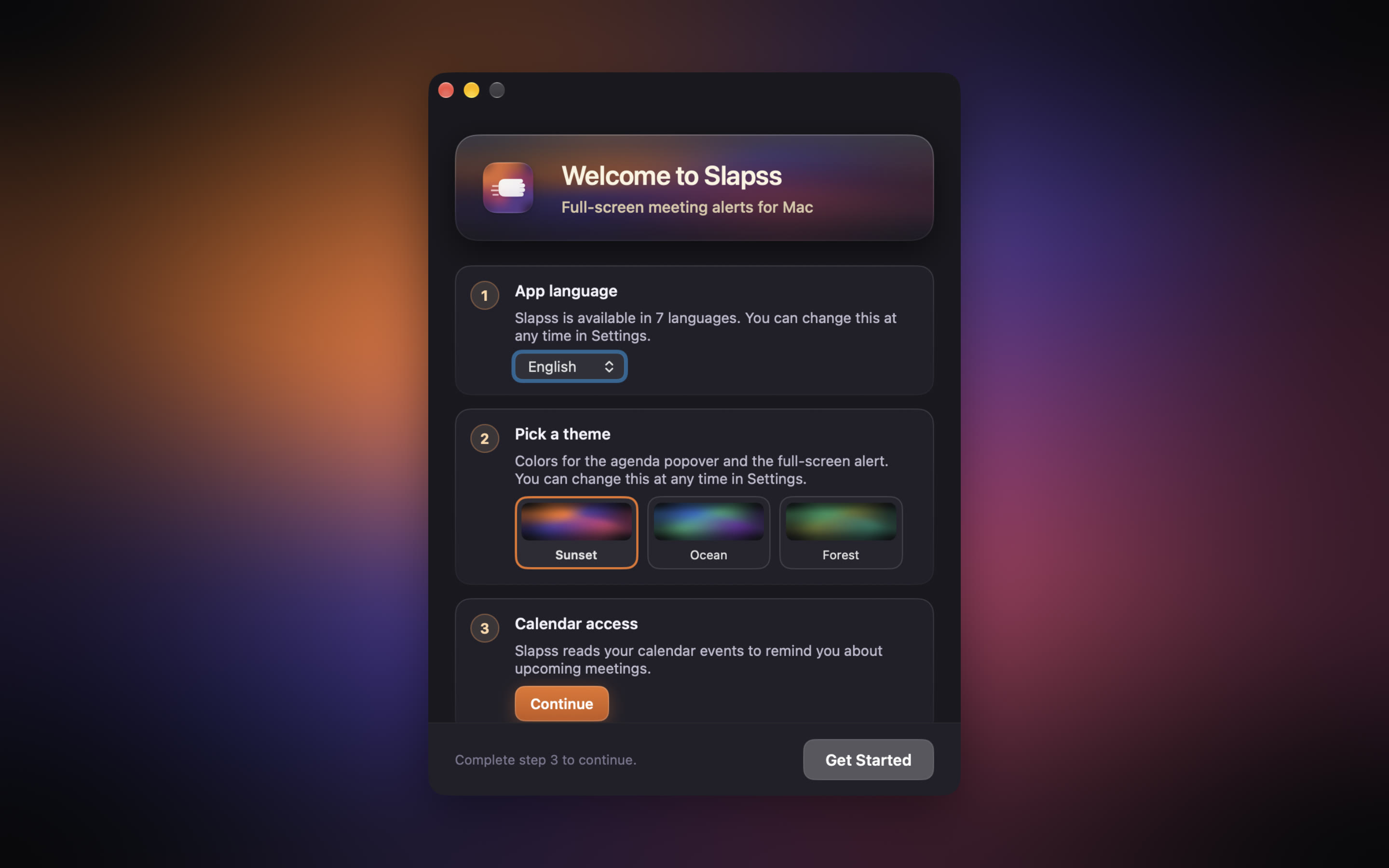
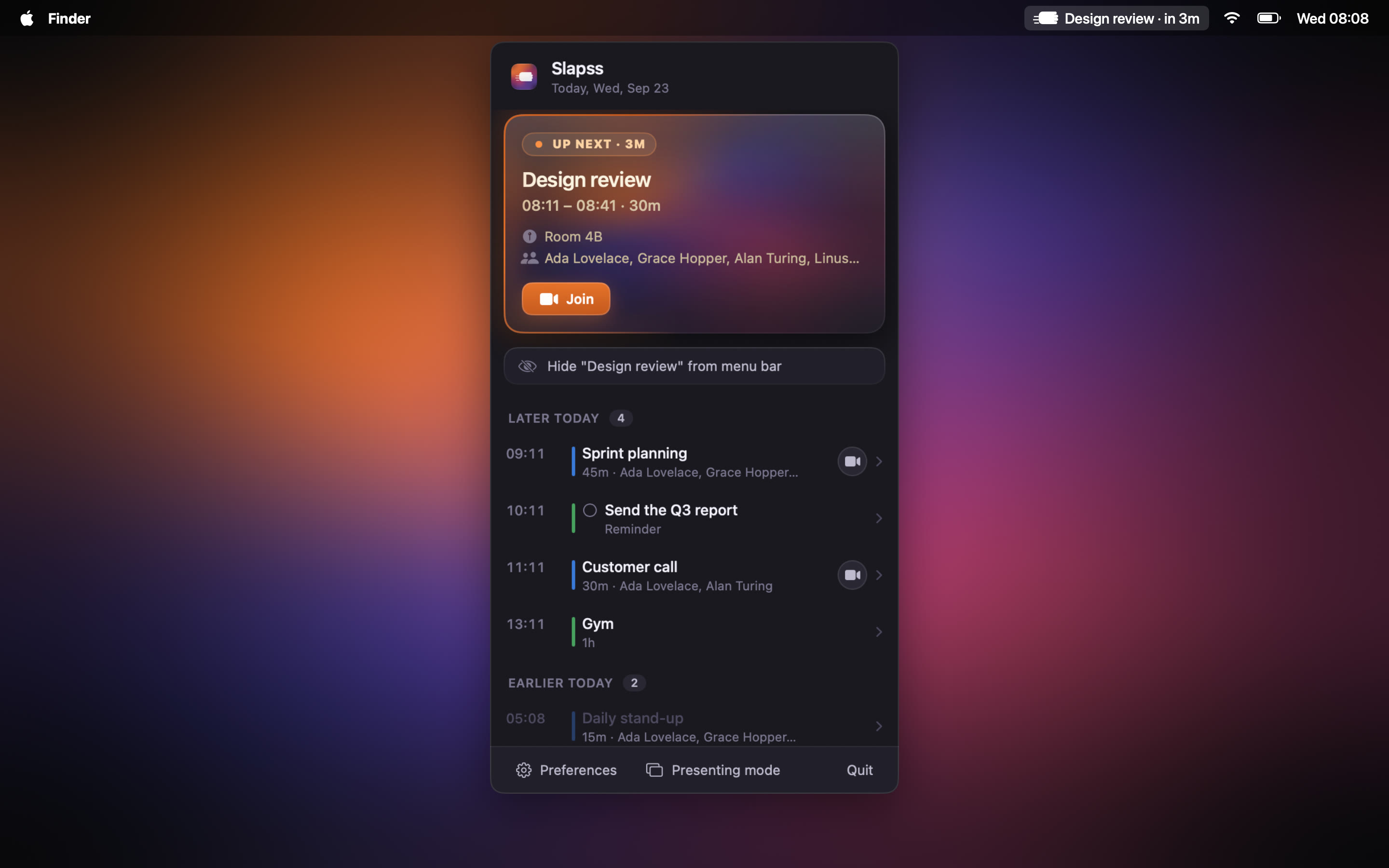
A quiet banner in the corner never stood a chance against deep focus. Slapss sits in your menu bar, watches your calendar, and takes over your whole screen the second a meeting starts. You will not miss it.
Slapss does the opposite. When it is time, it covers every display you have, with the one thing you need to see and a single tap to join.
The alert lands on every display at meeting time. Impossible to scroll past, impossible to miss. Press Escape and you are back to work.
Slapss reads the link from the event, so Zoom, Teams, Meet, and Webex are one click away the moment the alert appears.
Full-screen overlays for macOS Reminders, with one-tap completion right from the alert.
Set your own lead time so the alert fires exactly when you want, whether that is at the start or a few minutes before.
Switch language on the fly, no restart required.

Sign in to Microsoft 365 inside Slapss, or use the Exchange account in macOS Calendar. Teams links join in one click, even behind Safe Links.
No browser tab or Calendar.app setup required. Sign in to Google Calendar directly inside Slapss with read-only access, or use your Google account in macOS Calendar. Automatic deduplication prevents double alerts if both are connected, and Meet opens in the right account.
If banners never reach you when you are deep in work, a full-screen alert with a buffer before the start does.
How Slapss stacks up against MeetingBar, Meetly, BigReminder and other meeting reminder apps for Mac.
No subscription, no paywall, no analytics, no account. Slapss reads your calendar locally and sends it nowhere. There is nothing about you to collect, and that is the whole point.
And you don't have to take our word for it. Slapss is open source, so you can read the code and check.
Yes. No subscription, no in-app purchase, no trial that runs out. Free, for good.
No. There is no tracking or analytics of any kind. Your calendar is read on-device and never leaves your Mac. Slapss is open source, so this is something you can verify rather than something you have to trust.
Yes, since version 2.0. The complete source code is on GitHub under the Apache 2.0 licence. Official builds come only from the Mac App Store and the theshiver/tap Homebrew cask.
Any calendar in the macOS Calendar app (iCloud, Google, Outlook, Exchange), plus direct read-only sign-in inside Slapss for both Google Calendar and Microsoft 365 / Exchange Online without needing Calendar.app. If the same account is connected in both places, automatic deduplication prevents duplicate meetings and double alerts. You choose which ones can trigger an alert.
Both are free and open source. MeetingBar is a menu bar calendar with full-screen alerts as an option. Slapss is built around the full-screen alert: every meeting, every display, with direct Google Calendar and Microsoft 365 sign-in and Presenting Now. See the full comparison.
No. Slapss is built for macOS only, focused on doing that one thing well.
I built Slapss to fix a problem I kept running into myself, and shared it so it can help others too. If it saved you a meeting or two and you'd like to say thanks, buy me a coffee. Thank you!